20,000 times out of my league
This project took way longer than I intended...
Today we'll explore building 2048 with svelte and CSS grid layout.
This post is short, so jump down to the resources to get started on your own!
Svelte is a front end framework promising less boilerplate code. Less is more, so less try it out.
npx degit sveltejs/template 2048
cd 2048
yarn
yarn dev
Once up and running, let's navigate to localhost:5000. Once there, let's add a 4x4 grid.
When working with CSS grid, we set the container to display:grid, as well as other grid properties.
Finally, let's set the properties of the cell (height, width, and how we will display the content).
See the minimal example below:
.grid {
	display: grid;
	grid-gap: 10px;
	grid-template-columns: 1fr 1fr 1fr 1fr;
	grid-auto-rows: 1fr;
}

.cell {
	width: 48px;
	height: 48px;
	display: flex;
	justify-content: center;
	align-items: center;
}
Once the layout is setup, we write some code to handle the key/touch events since we want to support both mobile and desktop.
We use the swiped-events repo to detect mobile swipes. Neat...
const mobileKeyMap = {
	'swiped-up': 'ArrowUp',
	'swiped-down': 'ArrowDown',
	'swiped-left': 'ArrowLeft',
	'swiped-right': 'ArrowRight',
}
const mobileKeys = Object.keys(mobileKeyMap);

const setupMobile = () => {
	mobileKeys.forEach(eventName => {
		document.addEventListener(eventName, (event) => {
			event.key = mobileKeyMap[event.type];
			handleInput(event);
		});
	})
}
setupMobile();
const handleInput = (event) => {
	switch (event.key) {
	case 'ArrowUp':
	case 'ArrowDown':
	case 'ArrowLeft':
	case 'ArrowRight':
		game.handleInput(event.key);
		game.grid = game.grid;
		return;
	default:
		return;
	}
};
And with a lot of help from Rosetta Code, we create a separate game.js class to handle the game logic.
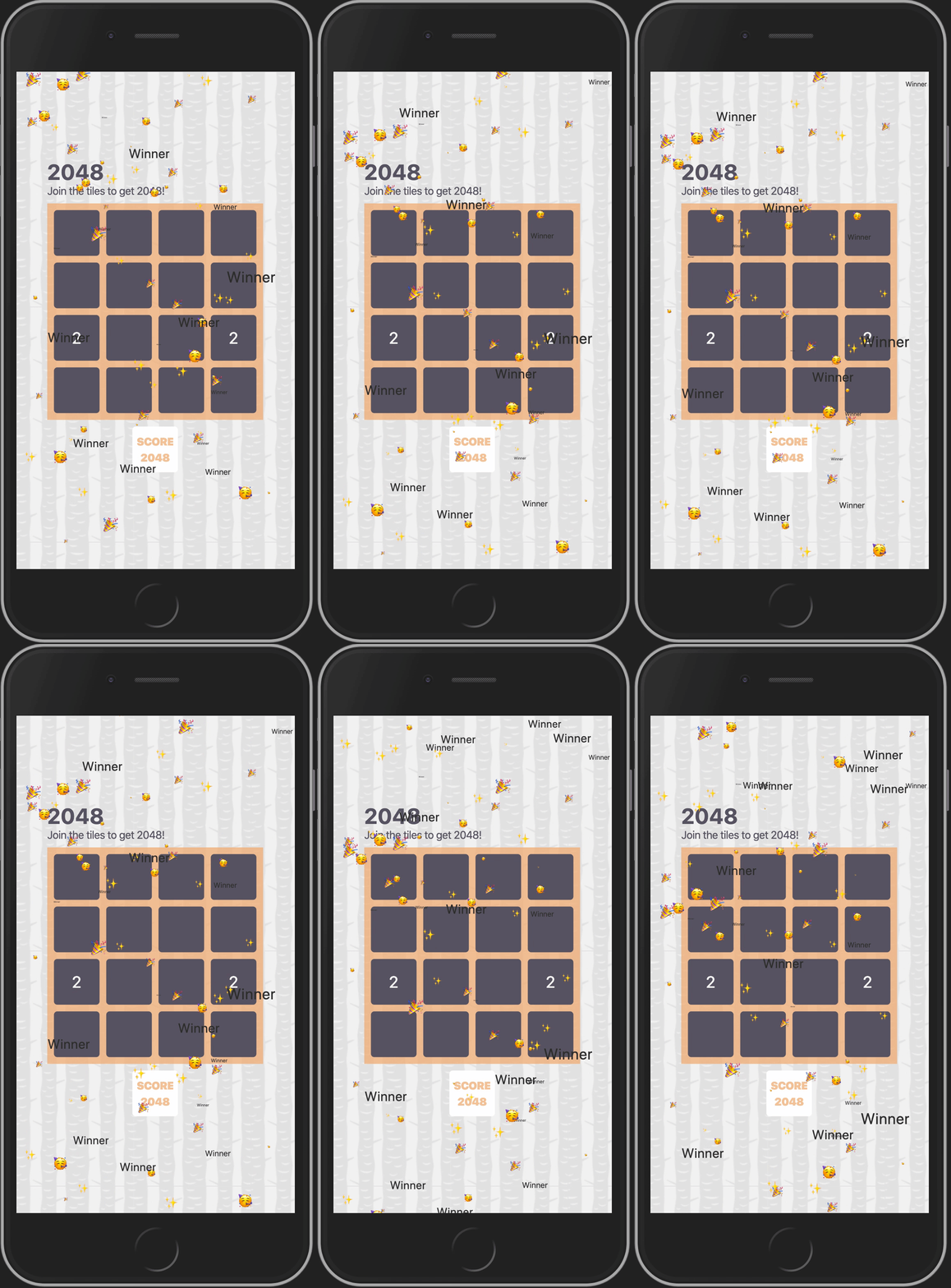
Finally, we create a separate svelte component to make it rain when the player wins:
Resources
Quaerite Et Invenietis